
How to order
Below is a guide on how to place an order, with step-by-step instructions.
How are you sending your gifts?
Rather email us a spreadsheet? Download the order form, fill in one row per person and email it to [email protected]. We reply with an invoice. How to fill it in
Ship to their addresses
You have everyone’s address, so we ship straight to each person. You choose the gift, and who gets which.
- Before you start
Sign in to Fountain Pro
Press Start a Pro order. New to Fountain Pro? Create a free account with your name, company and work email. Already have one? Press Sign in.
Start a Pro order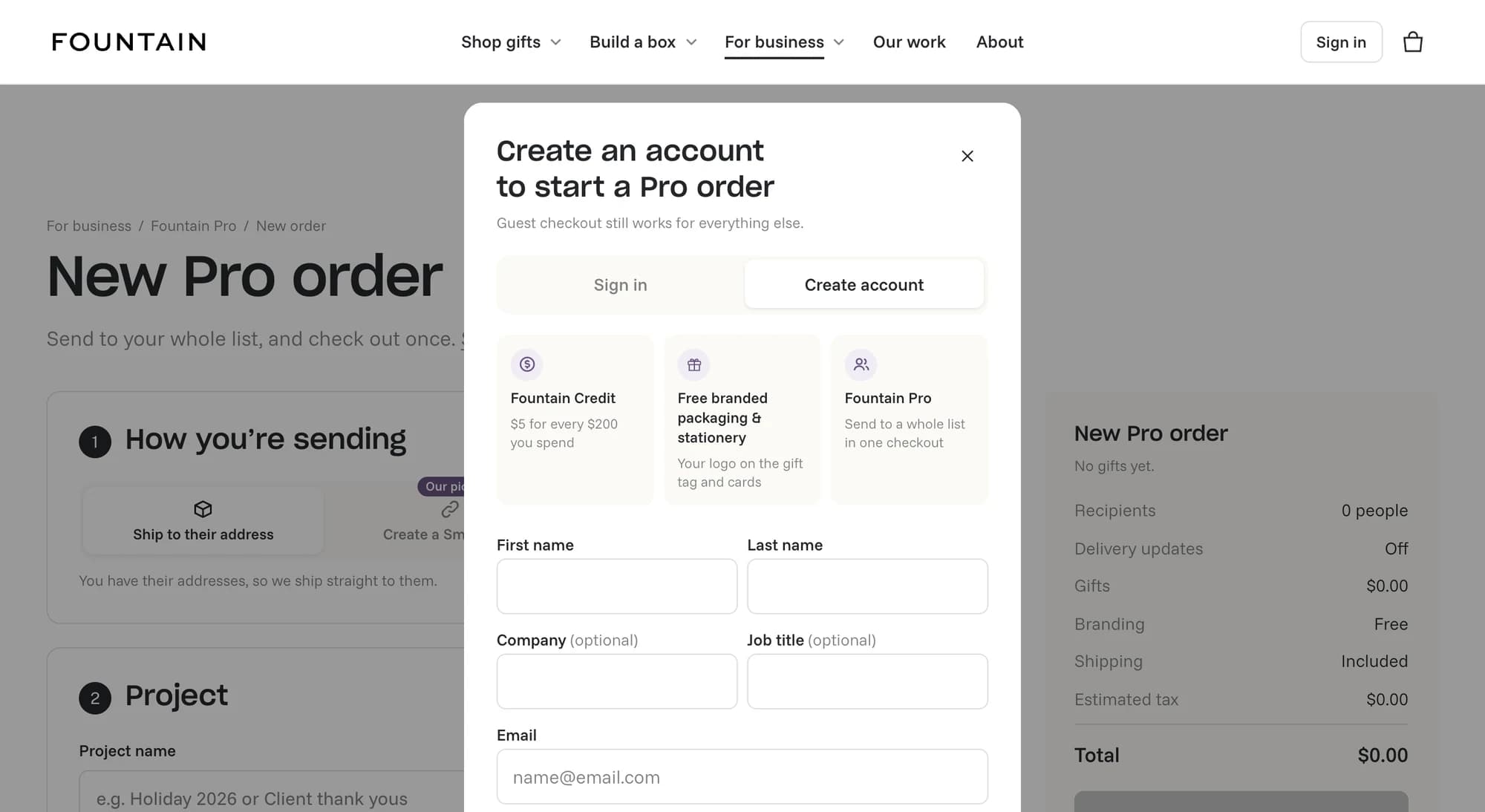
- Step 1 · How you’re sending
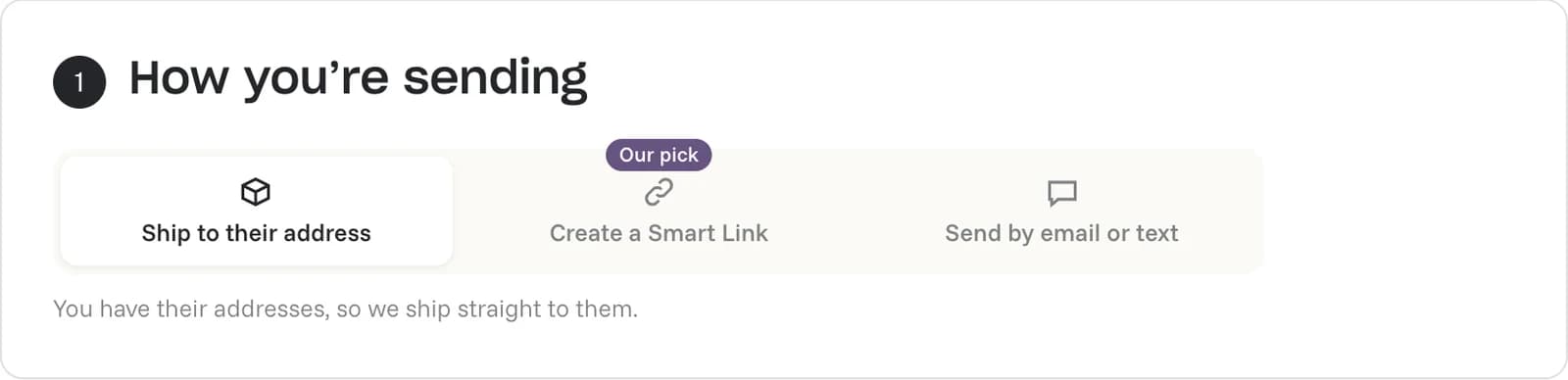
Choose Ship to their address
At the top of the order, choose Ship to their address. We ship each gift straight to the address on your list.
- Step 2 · Project
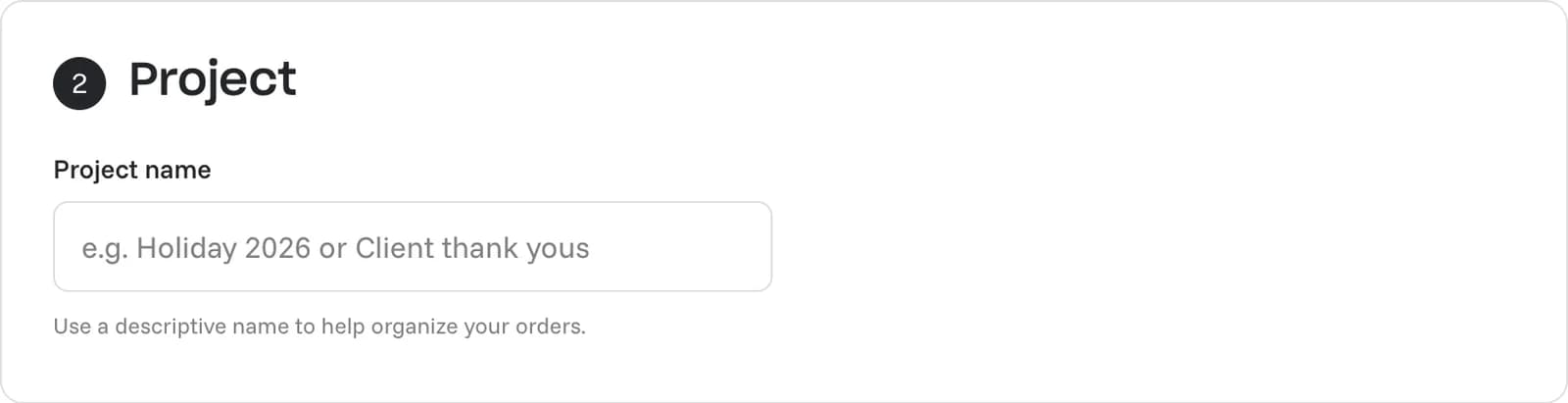
Name your project
Give the order a Project name you’ll recognize later, like Holiday 2026 or Client thank yous. Sending a few more gifts later? Add them to the same project and everything stays together.
- Step 3 · Gifts
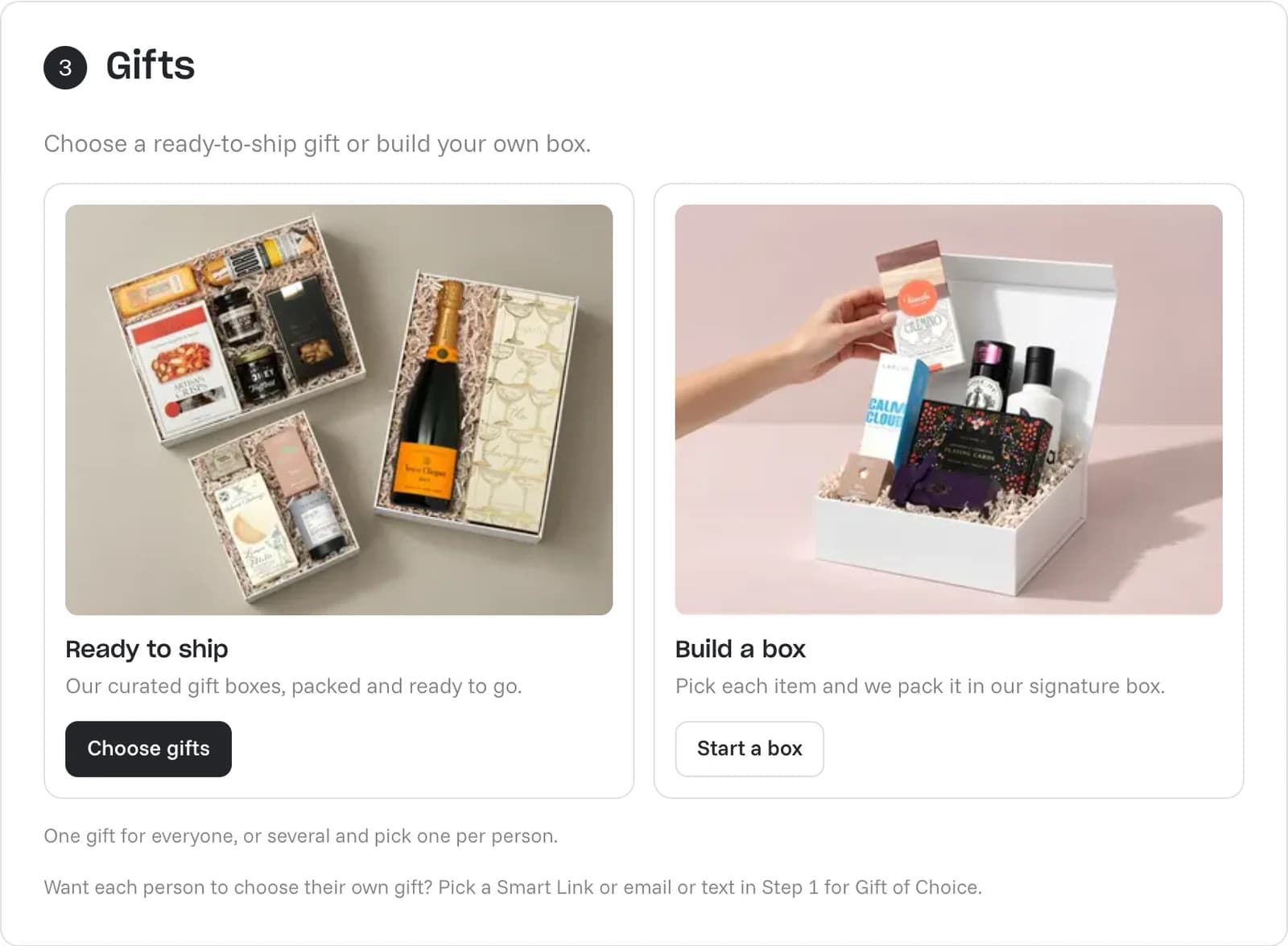
Choose your gifts
Pick Ready to ship for our curated gift boxes, or Build a box to choose each item yourself. Have a custom curated box in mind? Email [email protected] and we’ll set up the order with you.
- Step 3 · Gifts
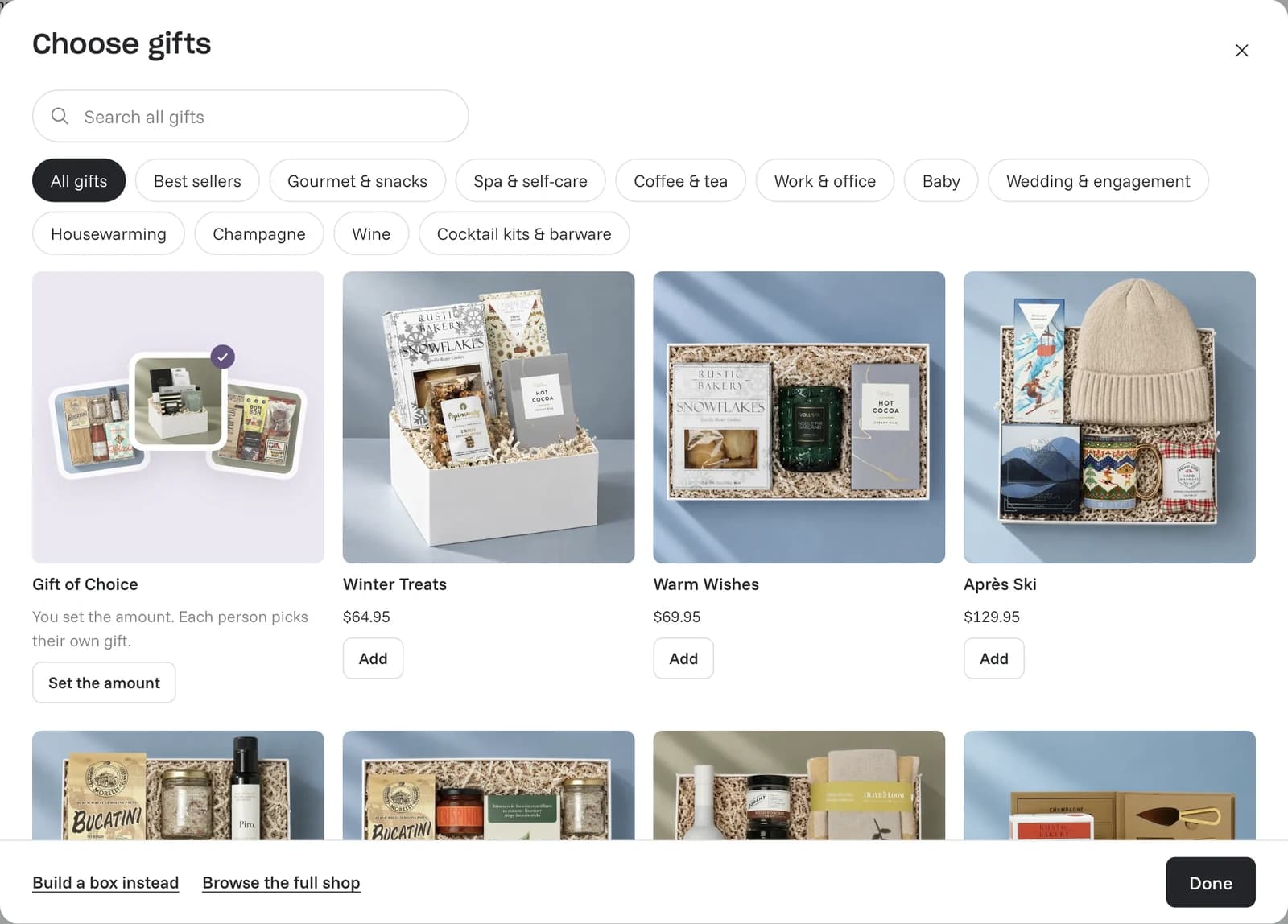
Add your gift
Press Add under the gift you want, then Done. Sending different gifts to different people? Add each one. This is useful if you have tiers, like one gift for clients and another for your team. You choose who gets which in Step 5.
- Step 4 · Packaging and message
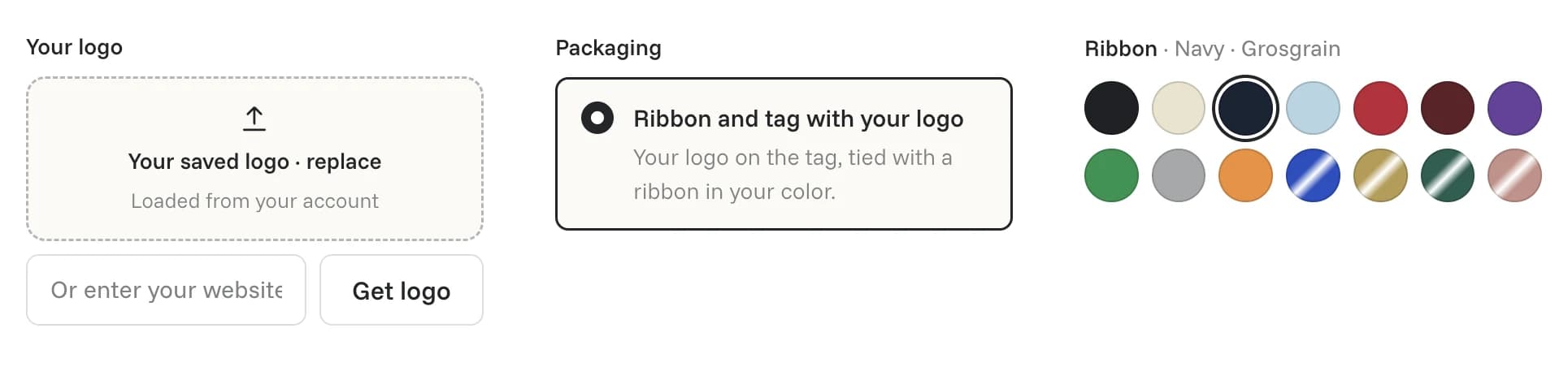
Add your logo and your card
Upload your logo, or type your website and press Get logo. It goes on the gift tag, tied with a ribbon in the color you choose, free on every order. Then pick your card: your logo card with your message printed on the back, or Upload your own card, a 4x6 design with a front and back. Write one Card message for everyone, and type {first_name} to add each person’s first name.
- Step 5 · Recipients
Add your list and choose their gifts
Press Download template, fill in one row per person with their name and address, then press Upload a spreadsheet. You can also type people in or Paste a list. This is where you choose what each person gets: if you added more than one gift, fill in the Gift column or pick a gift on each row. Want us to email them tracking? Turn on Send recipients tracking updates. Leave it off to keep it a surprise.
Download the order form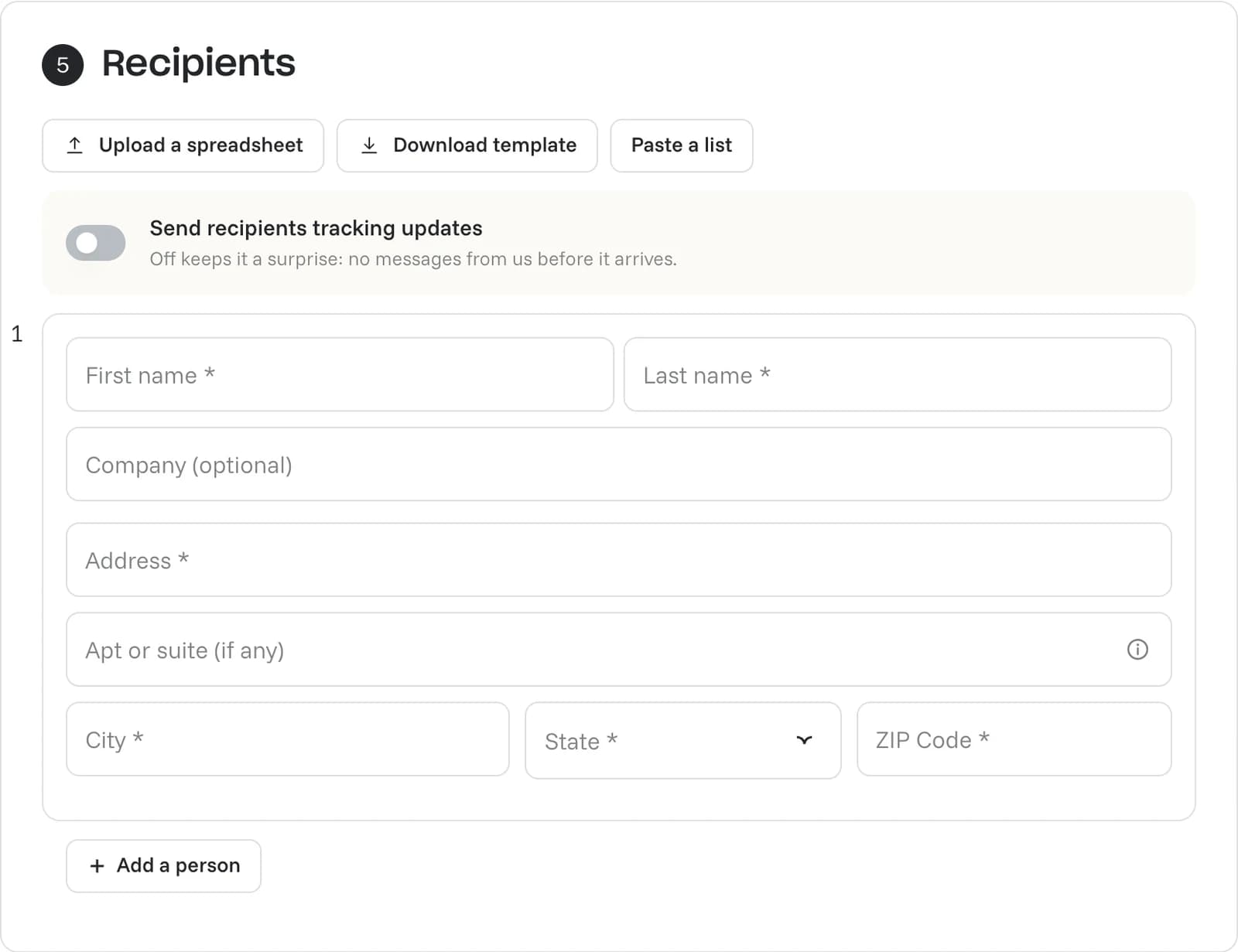
- Step 6 · Delivery
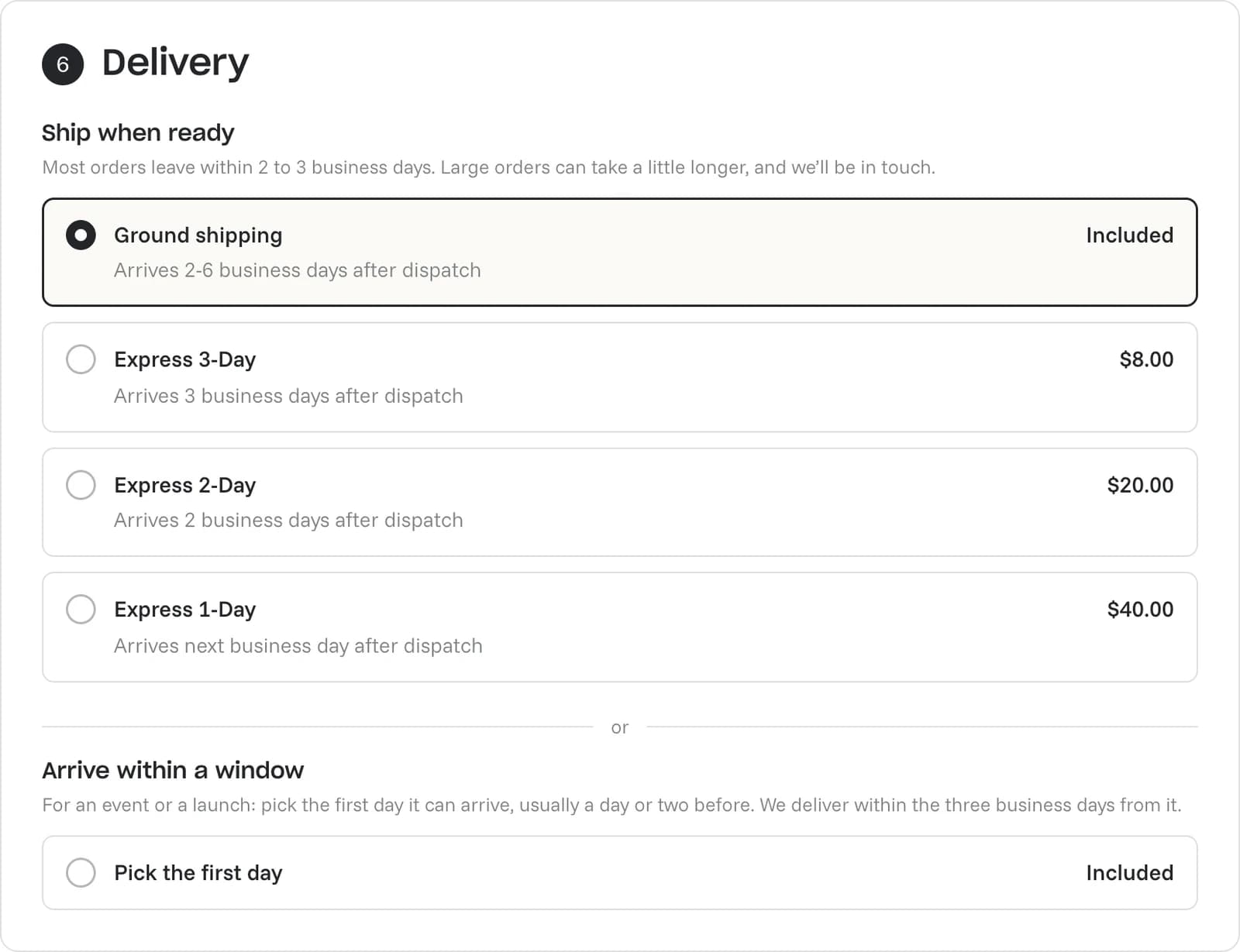
Choose when it ships
Ground shipping is included, and most orders leave within 2 to 3 business days. Express 3-Day, 2-Day and 1-Day cost extra. Need it there for an event or a launch? Under Arrive within a window, press Pick the first day and we deliver within three business days of it.
- Step 7 · Payment
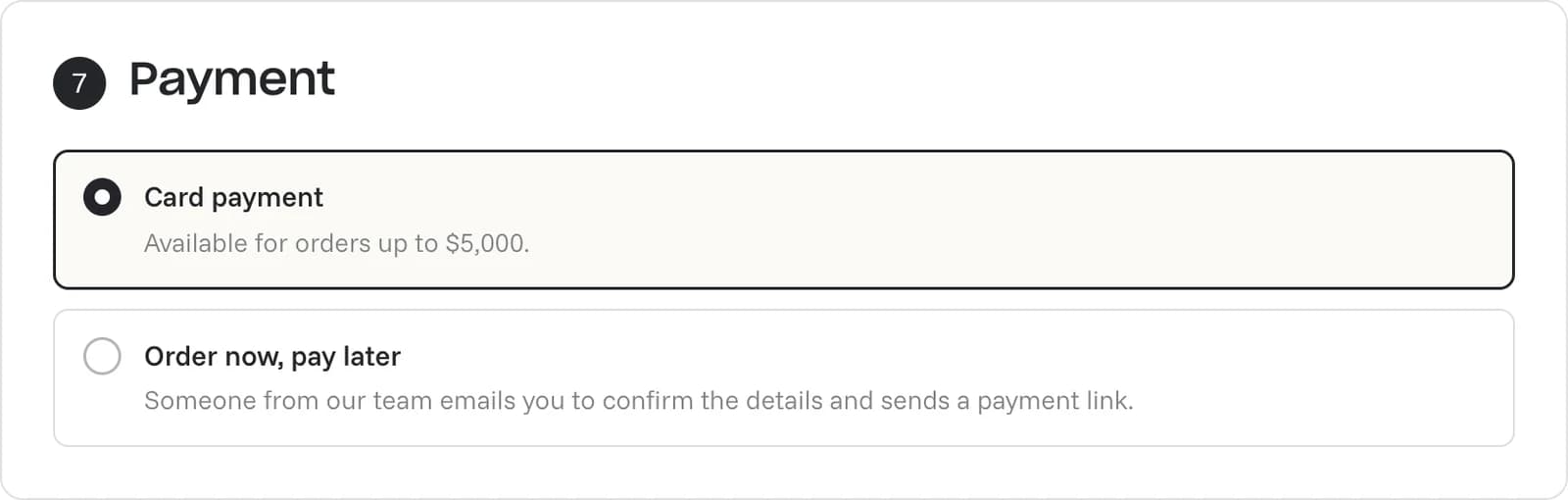
Choose how to pay
Pay by card for orders up to $5,000. Or choose Order now, pay later: our team emails you to confirm the details and sends a payment link. Over $5,000, we send an invoice.
- Last step
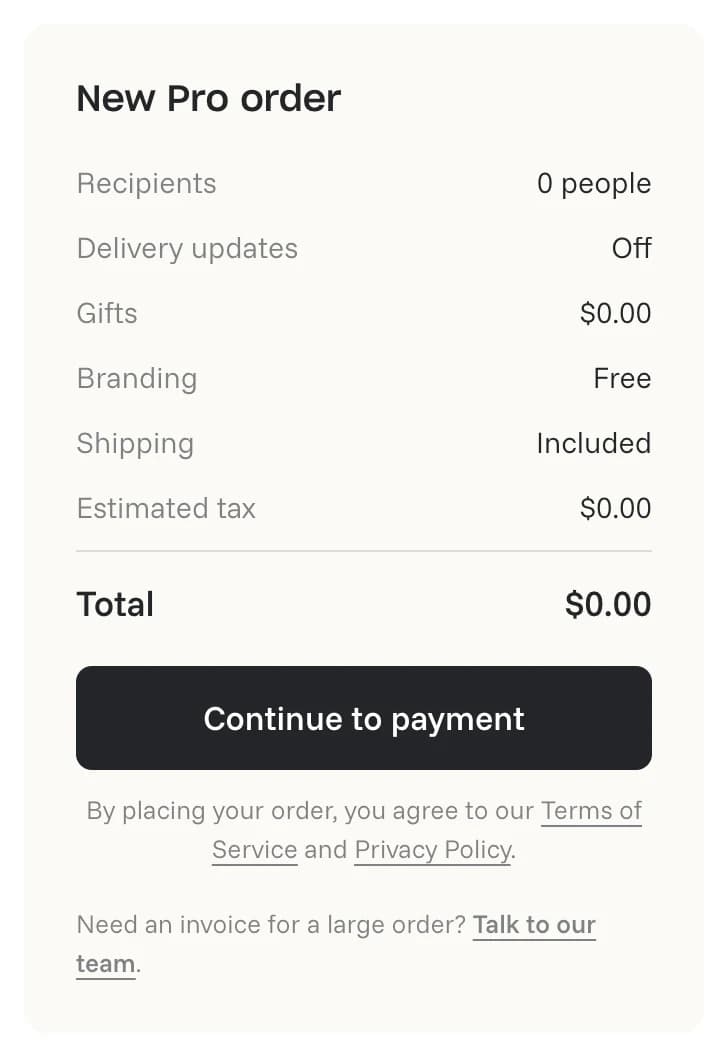
Place your order
Check the order summary, then press Continue to payment. Paying later? It says Submit order.
- After you order
We pack and ship every gift
Each gift ships to its address with your card. Follow every one in Pro Orders in your account.